Showing posts with label Animation. Show all posts

Sunday, May 8, 2011

Animation Final Project Stills

For my Computer Animation class's final, I decided to go for a change in pace and work in 2D instead of in Maya. I want to tweak a few things before I post the finished animation, but I have two more finals to get through first. So for now, here are some stills:


Friday, February 4, 2011

Watermelon Smash

For animation class, we were given an assignment where we each had to pick a random mixed drink name and use that name as the basis of a 10 second animation in After Effects. I picked something called a Watermelon Smash (it contains.... watermelon cubes... and I don't remember what else). So... here's a watermelon smashing something!


We were actually allowed to use anything we wanted for the actual animation, the only rule was that we had to composite the final result together in After Effects. I wound up doing the ocean, splashes, and sparks in Flash (with tons of help from Joseph Gilland's book Elemental Magic) and painting the boat and the watermelon in Photoshop. The watermelon itself is animated entirely using the puppet warp tool in After Effects.

I'm not terribly happy with the sound. That needs some reworking probably...

Here's a few stills breaking down how the entire thing was composited:


...and here's some random stills:


Saturday, July 10, 2010

Playing with Maya

I've been playing with Maya for the past few months. 3D animation is a direction I'd like to start moving in. :)

I'm starting to get the hang of lighting things and whatnot, although I still do not know much. I'm taking a 3D modeling course in the fall, hopefully I'll get much better by then.

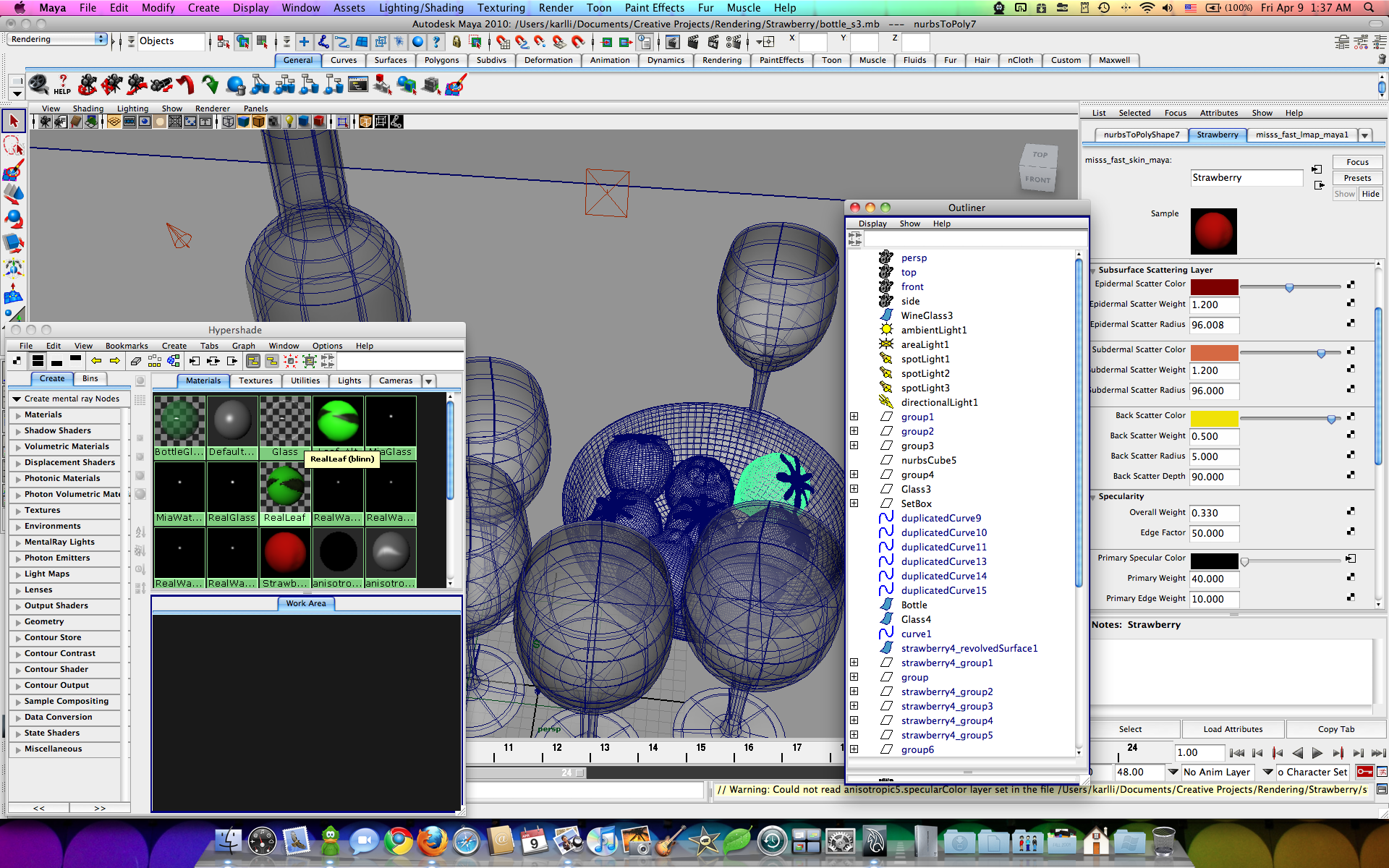
Some glasses and strawberries and grapes on a table:


A Table With Some Stuff from Karl Li on Vimeo.

Thursday, April 8, 2010

A Sneak Peak...

A lot of you guys already know what I've been up to for the past few weeks, but for anybody who I haven't told, here's a peek:


Sunday, April 4, 2010

The Foyer

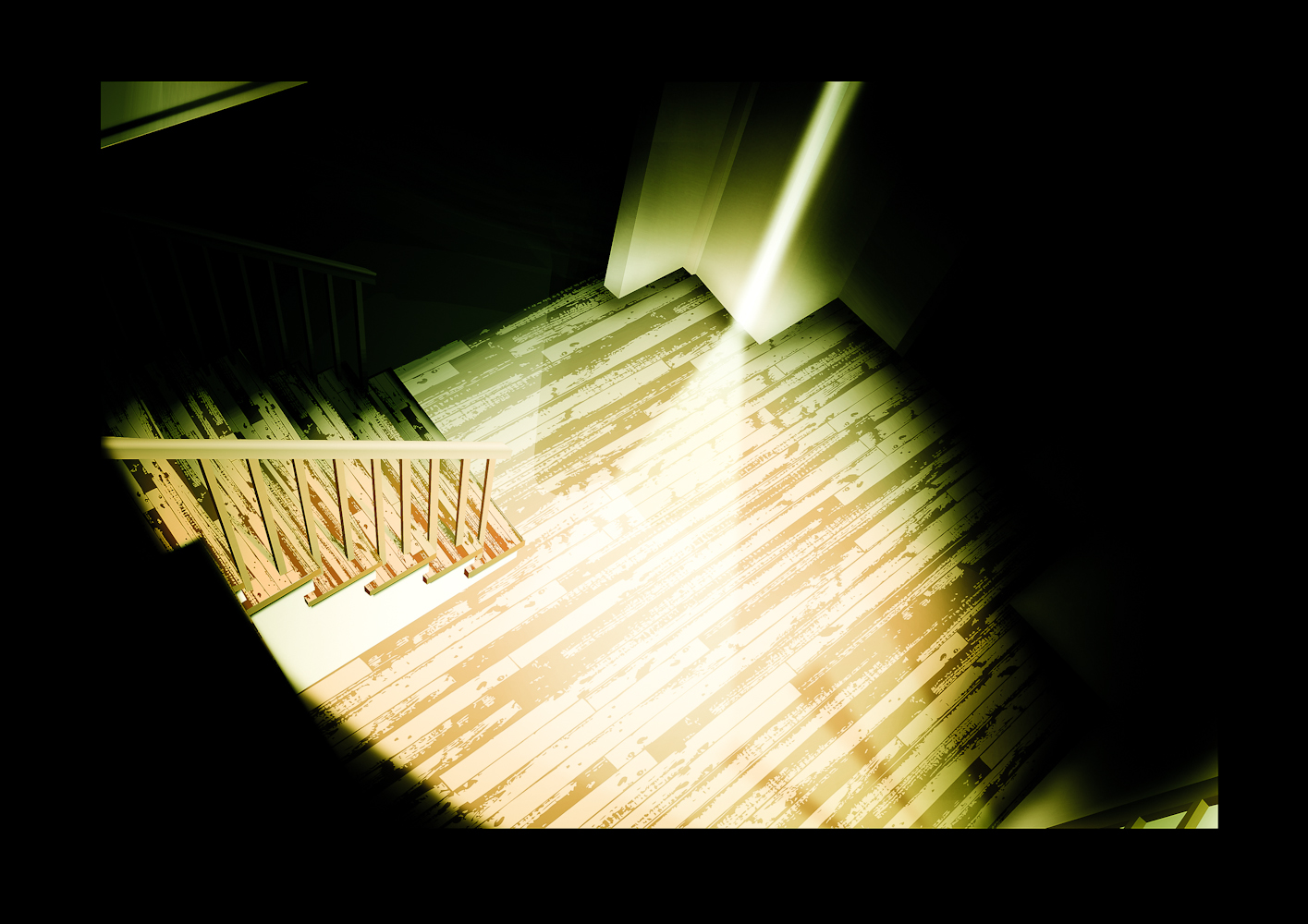
For most of March, our Digital Design Foundations assignment was to create a room from an odd perspecitve using Illustrator and Photoshop. Here's what I came up with:


Almost all of this is Illustrator, including the wood, which took ages to do. I loosely based this off of the foyer back at home. My intent with this piece was to practice doing lighting work, and I must say I'm rather happy with it.
I made a quick little video of all the stages this piece went through:


The Foyer from Karl Li on Vimeo.


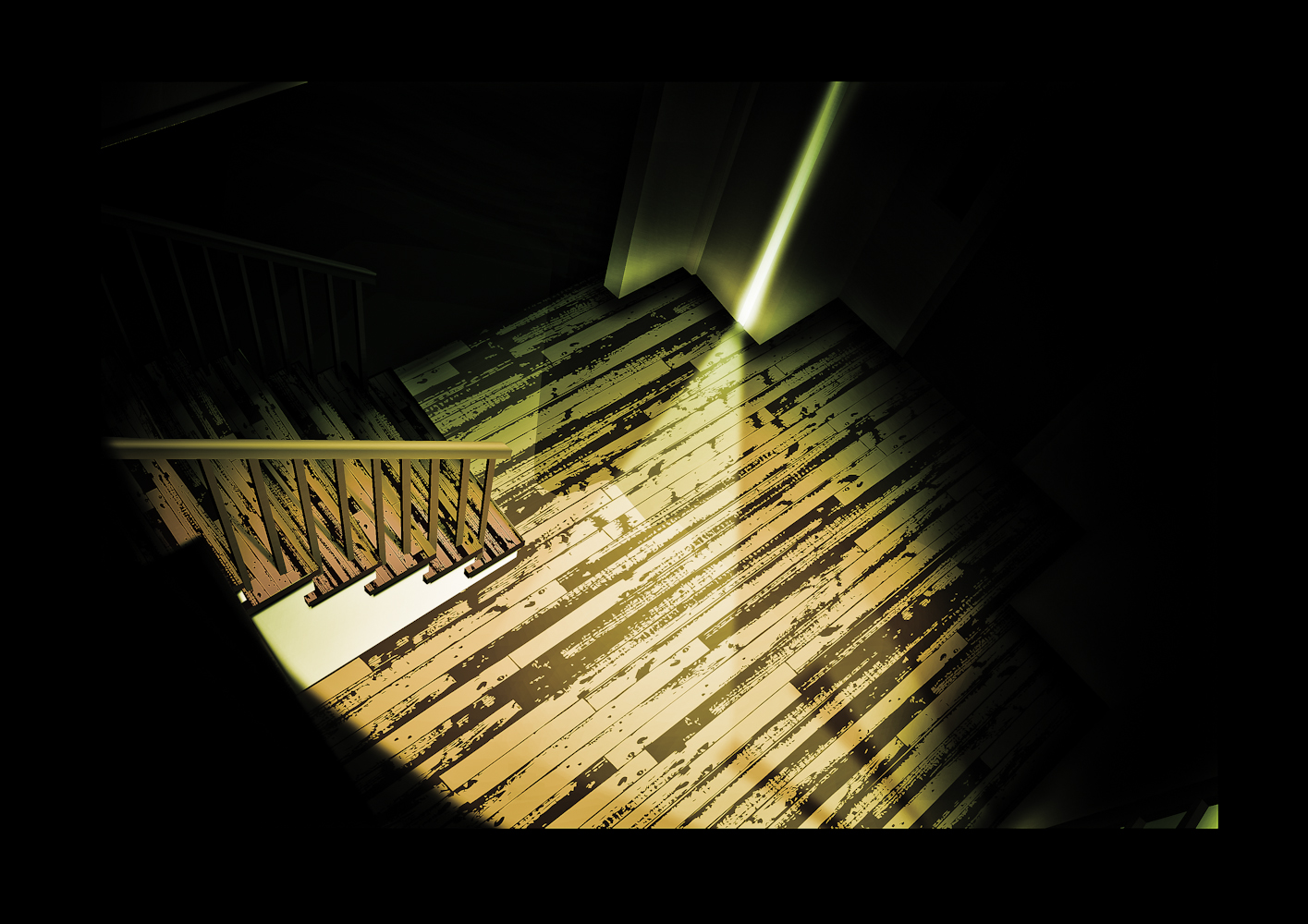
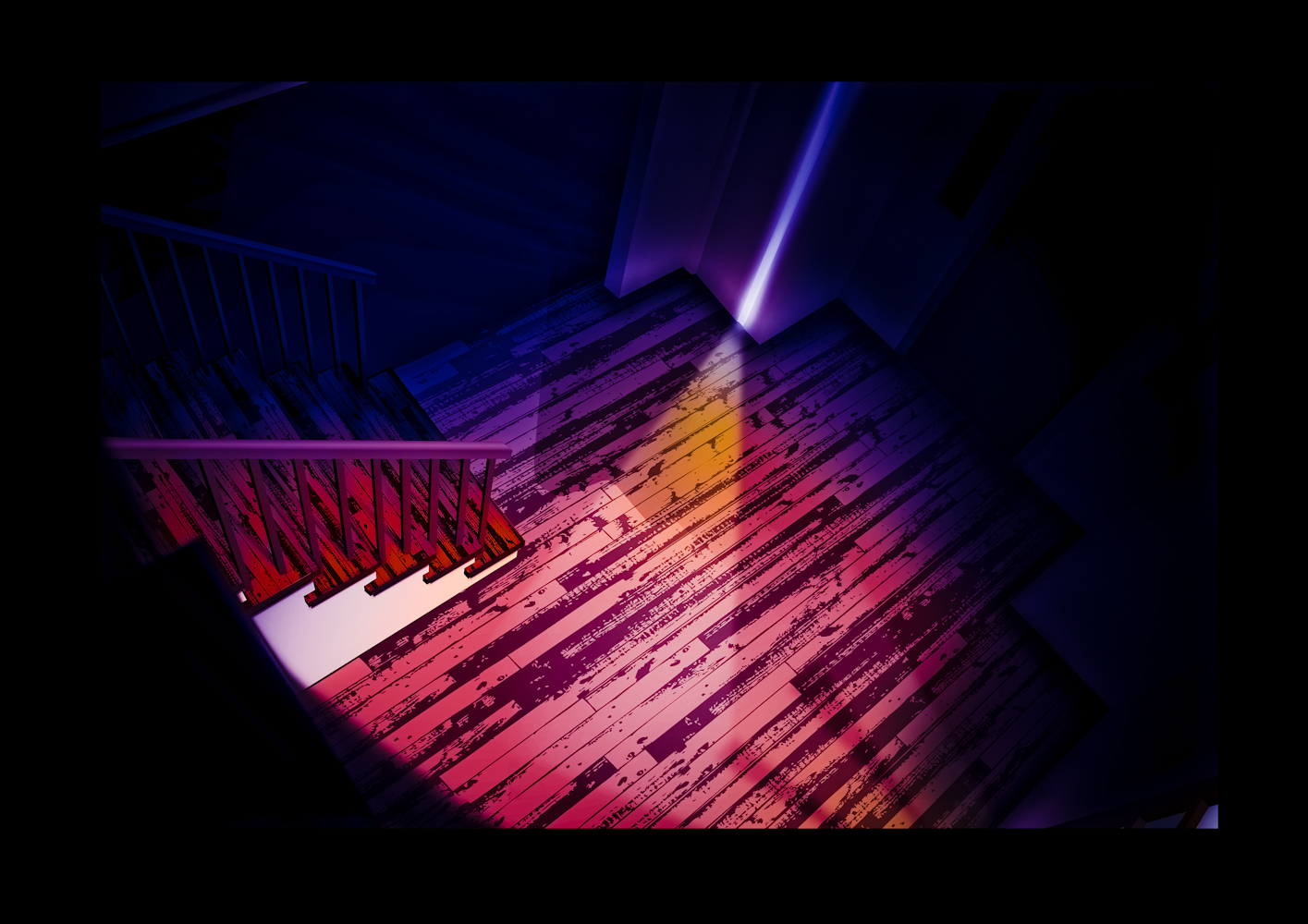
Just for fun, here are some color variations that I made by putting it through Lightroom:
I call this variant the "Coraline" version:


Finally, thanks to the most wonderful Ana Kim for putting up with me all month as I worked on this!

Wednesday, January 27, 2010

Elemental Magic Workshop with Joseph Gilland

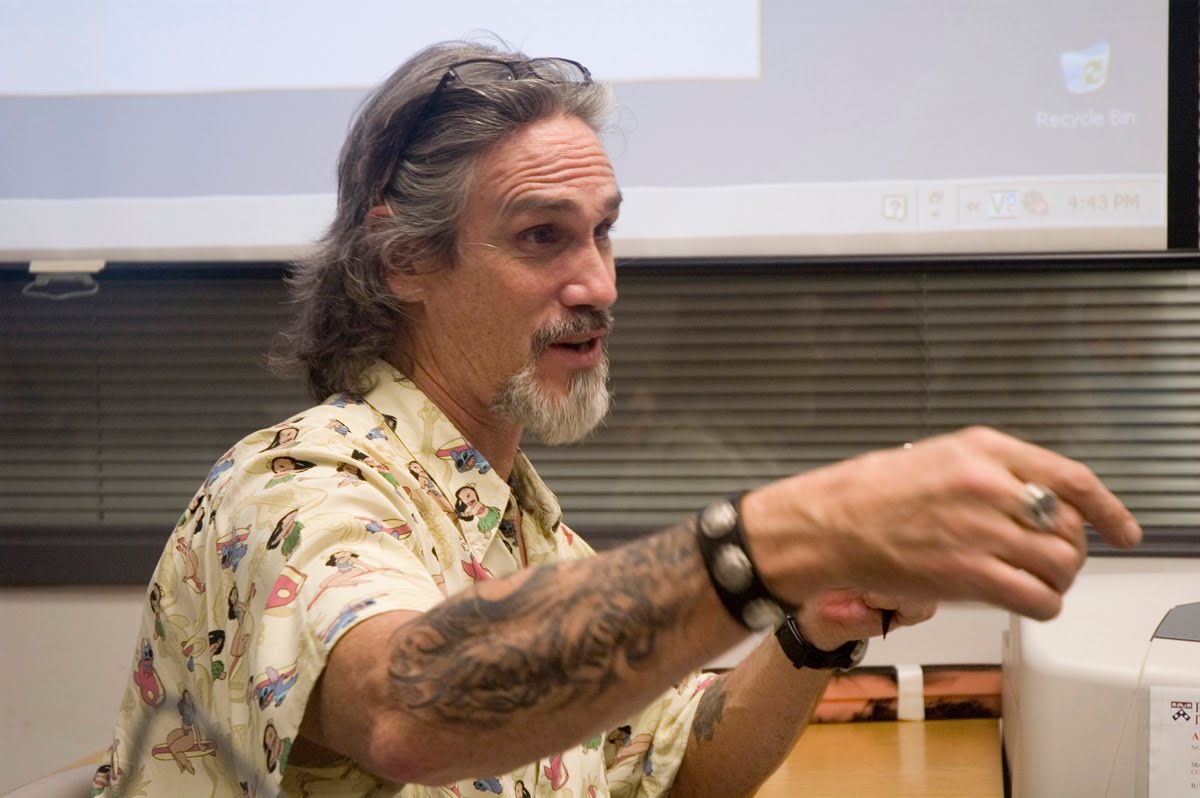
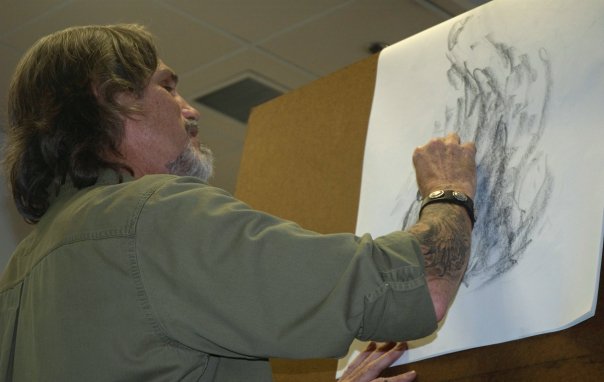
Last week over the Martin Luther King Jr. Day weekend, I attended a workshop on effects animation at Penn's School of Design. The workshop was run by Joseph Gilland, who ran effects animation at Walt Disney Feature Animation for a while and worked on films such as Lilo and Stitch and Mulan.


The workshop ran for three days and focused on Mr. Gilland's "organic approach" to visual effects animation- basically, his idea is that effects animation should focus on more traditional, hand-animated techniques rather than the complex CGI simulation stuff that's all the rage today. After his workshop, I think I agree with him- the stuff he showed us was simply breathtaking.


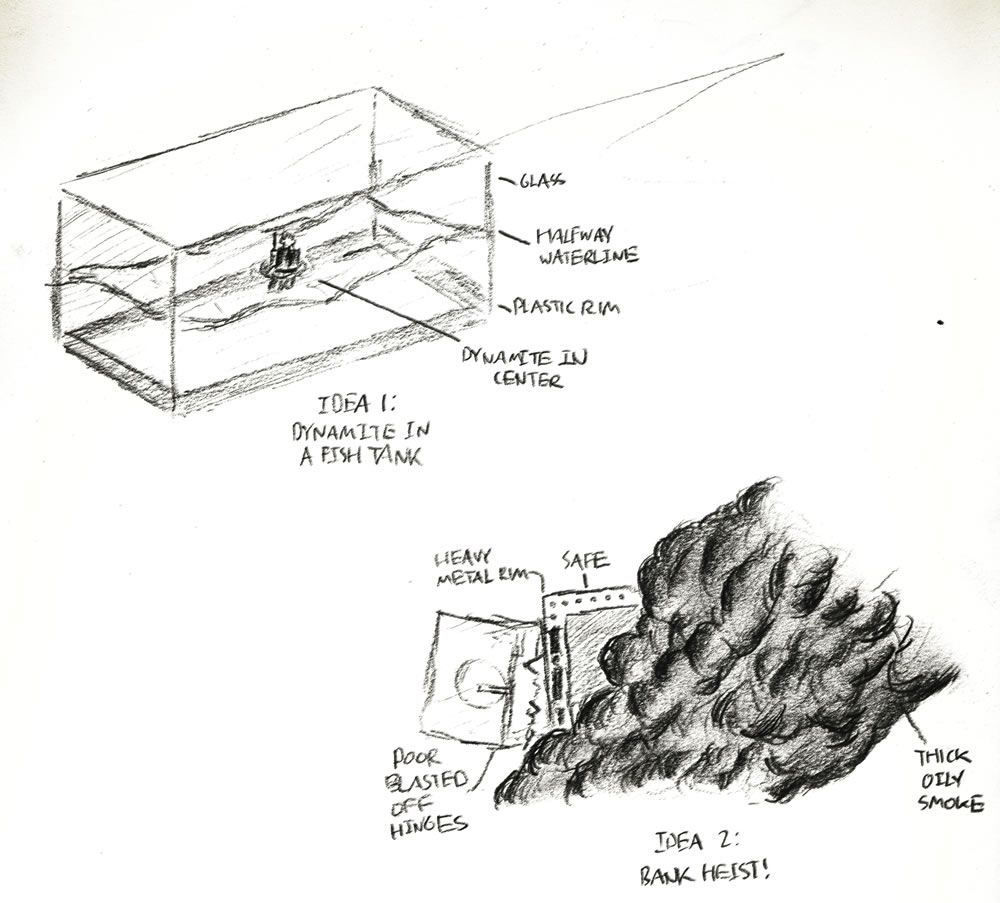
During the workshop, we did some studies and prototyping for various visual effects ideas we had. I chose to do an exploding aquarium (I think MR. Gilland started referring me as "the crazy guy" after I chose that. HAHA). I had another idea, which Ana suggested the night before: a hand reaching through smoke. I had the idea that the hand would be reaching through smoke into a bank vault or something. Here's a sketch of the two initial ideas:

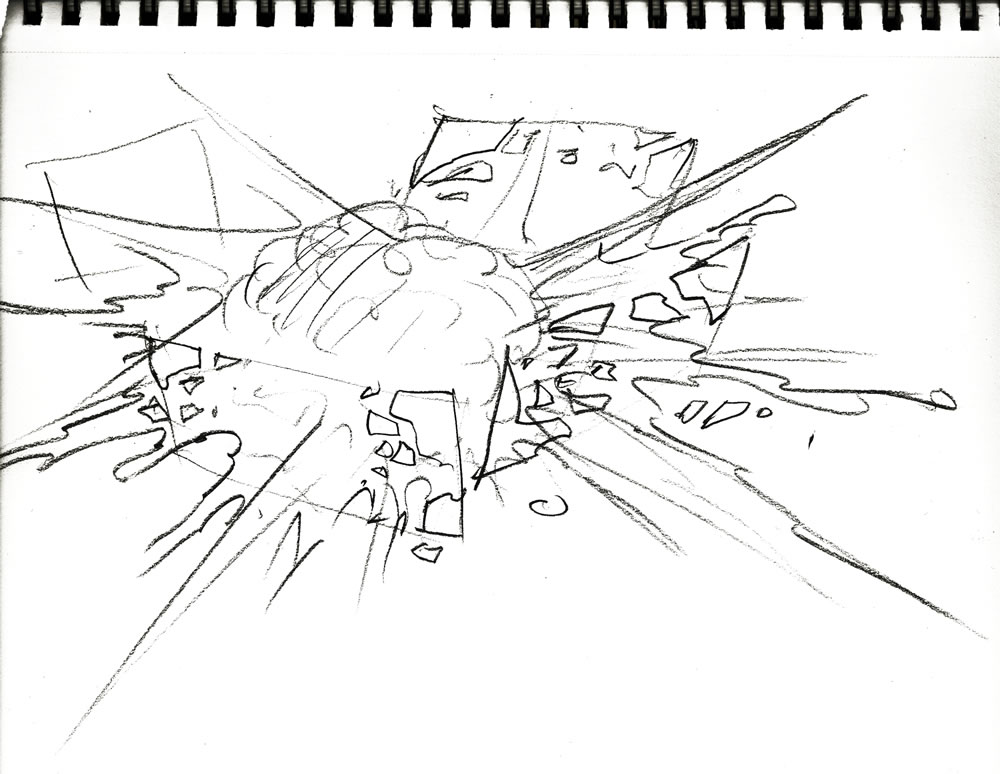
Mr. Gilland was kind enough to talk through the concept with me though. He sketched this initial concept for me (mad cool!):


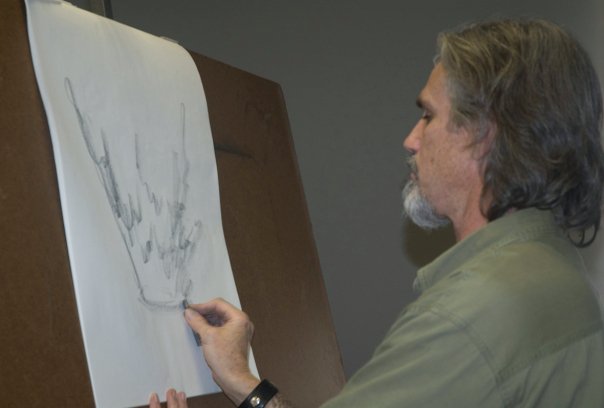
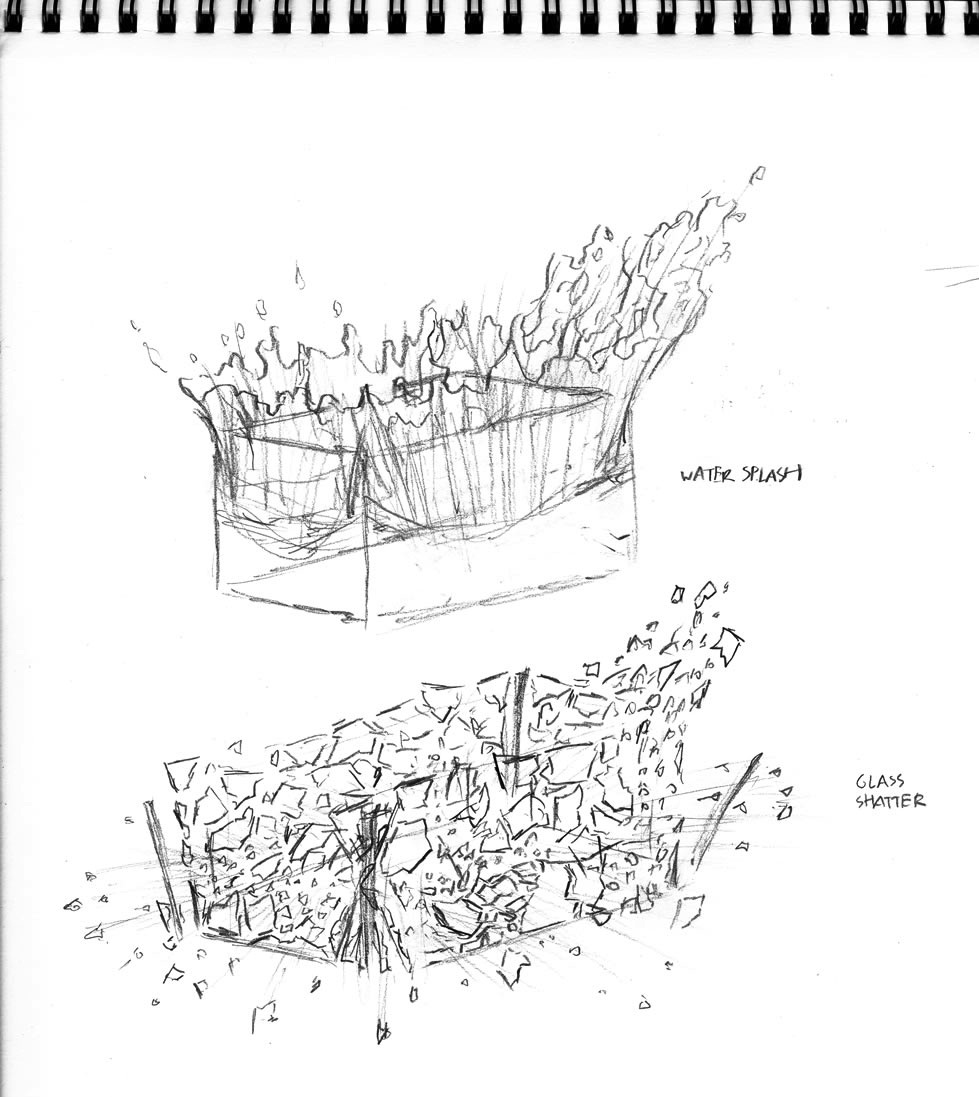
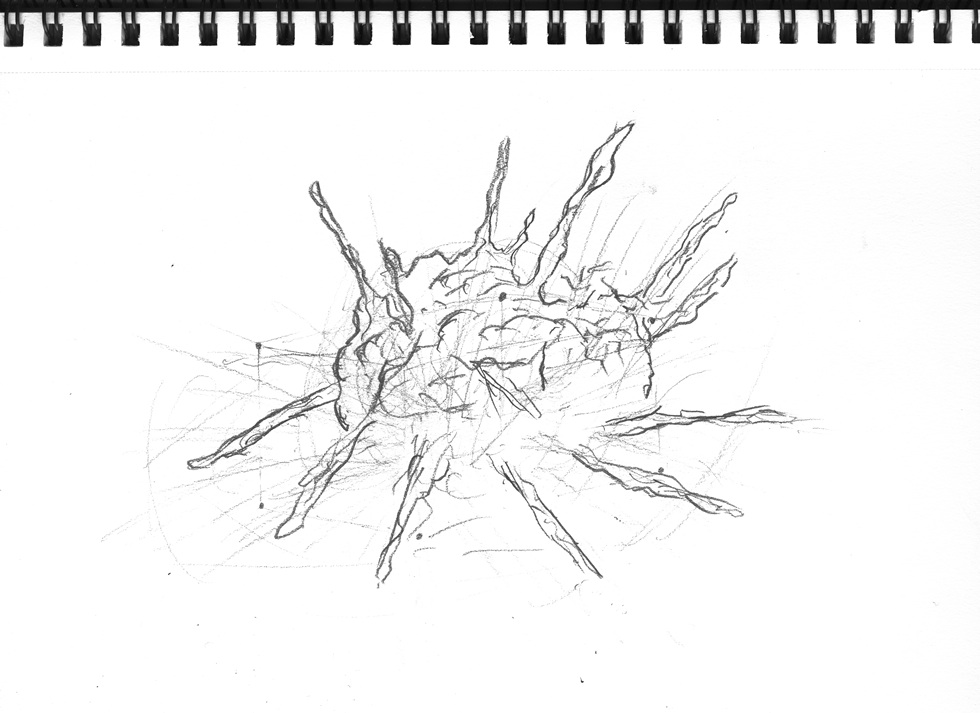
After talking with Mr. Gilland and looking at some of his suggestions, I went about doing three separate studies of what the glass, water, and fireball might look like. Some pencil sketches:


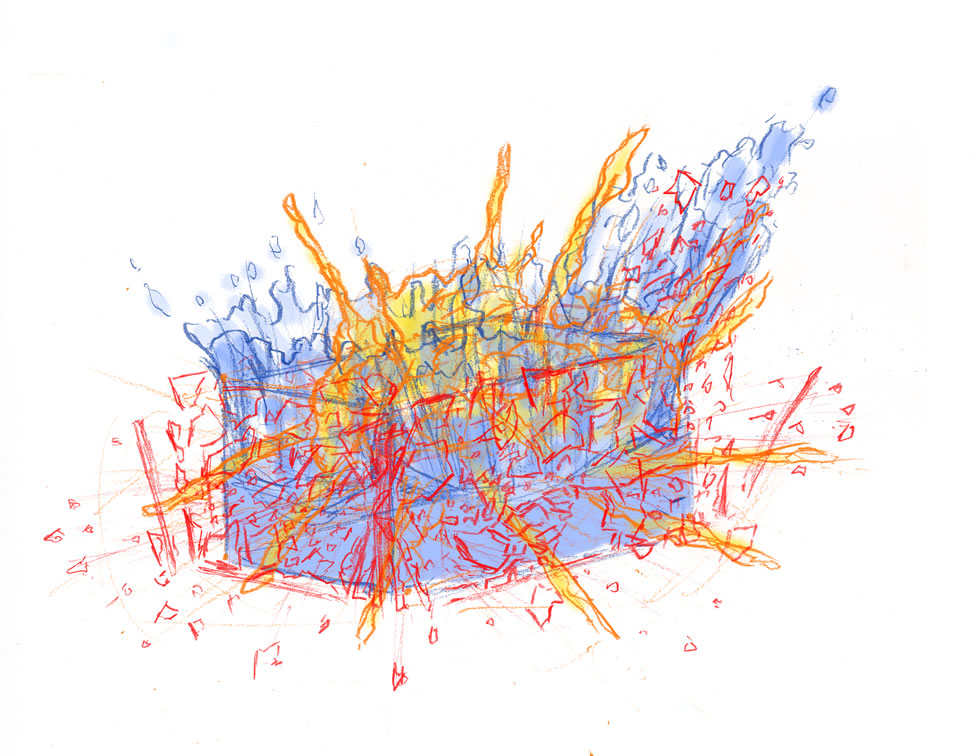
Then I scanned the three studies and composited/colorized them together in Photoshop. The blue is water, the yellow/orange is the fireball, and the red represents the shattering glass:


I'm going to try to actually do some animation tests for this- although obviously the end result will have to be much simpler visually than the above sketches. I have a feeling I'm going to be consulting the effects library Mr. Gilland gave us a LOT.

Mr. Gilland has a book on visual effects animation titled Elemental Magic. I really recommend checking it out.

Monday, December 21, 2009

Experimenting with Time Lapse

Only two days left until my last final for the semester, so what do I do? Not study! I SHOULD be studying, but then the entire Northeast coast got slammed with a snowstorm. The snow looked really cool outside my window, which meant... photography experiment time!

Recently I've been experimenting with Adobe After Effects and Adobe Premiere Pro. More on that later. I also recently got Nikon Camera Control Pro 2, which is Nikon's tool for remote controlling their DSLRs from computers, which means I can now remote trigger my Nikon D60 over USB from my MacBook Pro. Awesomeness. Time for some snowstorm time lapse experimenting. :)

So on Friday night/Saturday morning, I pointed my D60 out the window and set Camera Control to take a picture every 40 seconds for 5 hours starting from 5 AM. Unfortunately, I forgot the charge the battery to the camera died 80 minutes into the experiment. Also, apparently the movement of the camera's internal mirror is enough to cause the camera to shift a bit if not stabilized. As a result, the video is really short and not very stable. It's not particularly good, but it's a start:

Download in 1080p MP4.

This time lapse experiment also served a secondary purpose- to test out the planned workflow that we're going to try using with the upcoming Omjii Show. I composited all of the video in Adobe After Effects and Adobe Premiere Pro and then used Apple Color to color grade the video. If you're wondering why I'm using Apple Color but am using Premiere Pro instead of Final Cut Pro, it's because I tend to favor things that plug into Adobe's Creative Suite workflow but Adobe doesn't have a color grader, whereas Apple has a really nice one.

Later in the afternoon, I decided to give the time lapse another shot. This time i remembered to charge the battery and stabilize the camera. The result:

Download in 1080p MP4.

The problem with attempting time-lapses with a DSLR is that the length of the time you can cover is limited by your battery, unless you have an extended battery or something. Another attempt, this time from Sunday:

Download in 1080p MP4.

I'm still working on getting the technique down, but I'll post improved attempts and a detailed run-through of the process once I figure out how to stabilize better, among other things.